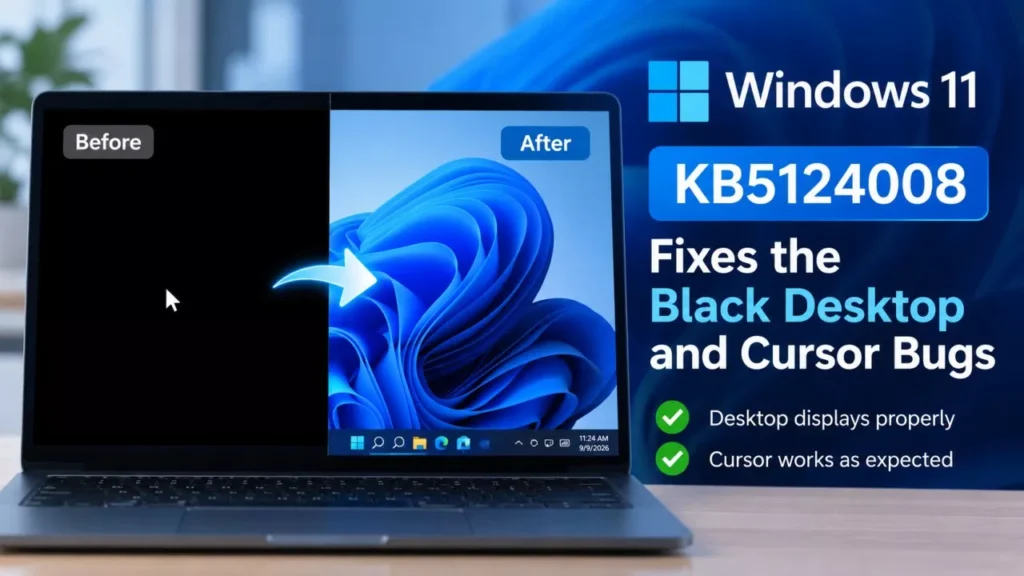

Windows 11 KB5124008 shipped on 8 September 2026 and fixes the bug that turned desktop backgrounds solid black. Microsoft’s release-health dashboard marks that issue, and a mouse-cursor reset on non-English installations, resolved. Both came from the optional KB5120998 preview released on 27 August 2026.
What KB5124008 Fixes
The update closes three known issues that Microsoft had confirmed on its release-health dashboard, two of them cosmetic but stubborn, one of them a launch failure on Arm laptops.
| Issue | Came From | Affected Versions |
|---|---|---|
| Desktop background lost or reset to solid black | KB5120998, 27 August 2026 | Windows 11 25H2 and 24H2 |
| Mouse cursor and cursor animations revert to defaults | KB5120998, 27 August 2026 | Windows 11 25H2 and 24H2 |
| Microsoft Teams and new Outlook fail to launch on Arm devices | KB5121003, 11 August 2026 | Windows 11 26H1, 25H2 and 24H2 |
Microsoft’s wording is unambiguous. On each of the three entries the dashboard states that the issue “was resolved by Windows updates released September 8, 2026 (KB5124008)”, with the resolution timestamped 10:00 Pacific Time that day.
That matters because in the week before Patch Tuesday, the black-desktop bug was widely written up as unfixed, and some coverage on 8 September still framed the September update as carrying the problem rather than curing it. Microsoft’s own dashboard is the authority here, and it says resolved.
Who Was Affected by the Black Desktop Bug
Only devices that installed the optional preview update KB5120998, released 27 August 2026 as build 26100.9278. That was a non-security preview, so most people on automatic updates never received it.
On affected machines, Windows failed to load desktop personalisation settings and fell back to a plain black background. Microsoft noted that slideshow settings and contrast themes could also break, and that resetting the wallpaper by hand did not help, because the fault stopped the settings loading at all rather than corrupting their values.
The cursor bug was narrower still. Microsoft attributed it to code components used in non-English Windows installations, so an English-language PC running the same update would not have seen it. Custom pointer styles and cursor animations chosen in Mouse Properties reverted to defaults and would not stay changed.
How to Install KB5124008
The update reaches most devices automatically, but you can pull it manually.
- Open Settings, then Windows Update.
- Select Check for updates.
- Choose Download & install when the September 2026 cumulative update appears.
- Restart the PC when prompted.
- Press Windows key + R, type winver and press Enter to confirm the build.
A successful install shows OS Build 26100.9445 on 24H2 or 26200.9445 on 25H2. Microsoft also distributes the update through Windows Update for Business, the Microsoft Update Catalog and WSUS, so administrators and anyone wanting an offline installer can fetch it from the catalogue instead. If Windows Update itself refuses to connect, that is a separate problem with its own set of fixes for the update service.
A servicing stack update, KB5124007 at build 26100.9441, ships alongside it. Microsoft says it improves the reliability of the update installation process and installs automatically.
What to Do if the Black Background Persists
Check the build number first. Microsoft’s fix is the update itself, not a setting, so a device still showing 26100.9278 has not received it.
Microsoft has published no separate workaround for the wallpaper or cursor issues, and it explicitly warned that manually restoring the settings does not work while the fault is present. If the background is still black on build 26100.9445 or 26200.9445, the route Microsoft points to is the Feedback Hub app, or the Get Help app for home users. Readers who remember the 23H2 update that hurt gaming performance will recognise the pattern: Microsoft confirms, then resolves in the next cumulative update rather than issuing a standalone patch.
What Else Is New in the September 2026 Update
KB5124008 is a feature-carrying security update, not a pure patch. Microsoft’s support note lists a Morocco Standard Time change to permanent UTC+00:00 taking effect 20 September 2026, a fix for Remote Desktop audio redirection failing to play remote-session audio locally, improved diagnostic logging for the OMA-DM device management client, and expanded device targeting for new Secure Boot certificates.
Alongside those fixes, the September release moves interface changes off the preview channel and onto eligible PCs, including a movable and resizable taskbar, Start menu size options and a reworked Windows Search. Administrator Protection, which uses just-in-time elevation to limit administrator privileges, begins rolling out disabled by default.
Microsoft does not publish a headline vulnerability count on the KB page, pointing instead to its Security Update Guide. Third-party tallies of this month’s security content disagree with each other, so this article does not give a number.
The 24H2 Deadline That Follows This Update
As of 9 September 2026, KB5124008 is available for Windows 11 24H2 and 25H2 through Windows Update, and Microsoft lists no known issues with it.
The version most affected by this month’s bugs is also the one running out of road. Microsoft’s release-health page states that Windows 11 24H2 Home and Pro reach end of updates on 13 October 2026, after which those devices stop receiving fixes for known issues, time zone updates and monthly security updates. Enterprise and Education editions of 24H2 are supported until 12 October 2027.
Unmanaged Home and Pro devices on 24H2 are being moved to Windows 11 25H2 automatically. Users can pick the restart time or postpone it, but not decline it indefinitely. In practice, that makes the September update one of the last few 24H2 will receive.
Frequently Asked Questions
Does Windows 11 KB5124008 Fix the Black Desktop Background?
Yes. Microsoft’s Windows release-health dashboard marks the issue resolved by updates released 8 September 2026, which is KB5124008, with the status change logged at 10:00 Pacific Time that day.
What Build Number Does KB5124008 Install?
OS Build 26100.9445 on Windows 11 24H2 and 26200.9445 on Windows 11 25H2. Check it by running winver.
Why Did My Mouse Cursor Reset After a Windows Update?
Microsoft traced it to code components used in non-English Windows installations after KB5120998 on 27 August 2026. English-language installations were not affected, and KB5124008 resolves it.
Do I Need to Uninstall KB5120998 First?
No. Microsoft’s stated resolution is to install the September 2026 security update, which supersedes the August preview. It gives no instruction to remove KB5120998.
When Does Windows 11 24H2 Stop Getting Updates?
13 October 2026 for Home and Pro editions, and 12 October 2027 for Enterprise and Education editions. Unmanaged Home and Pro devices are upgraded to 25H2 automatically.