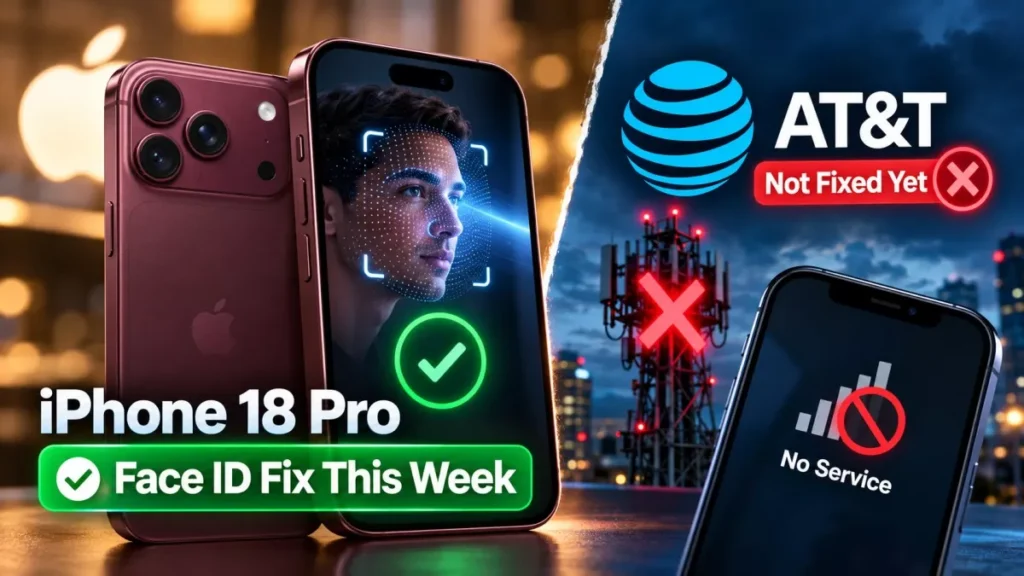

Apple has confirmed a software update this week to fix an iPhone 18 Pro Face ID bug that restarts the phone. A failed Face ID scan inside a locked app freezes the handset and forces a reboot. Apple told 9to5Mac on 24 September 2026 that the fix arrives early this week.
What the Face ID Bug Does
The phone does not simply refuse the scan. According to reports gathered by 9to5Mac and AppleInsider, the handset freezes after a failed Face ID attempt and then reboots itself, because iOS hits a kernel panic: the operating system detects a fault it cannot safely continue through and restarts rather than risk worse. To the owner it looks like a spontaneous crash seconds after the face scan fails.
Both iPhone 18 Pro and iPhone 18 Pro Max units have been affected, and not every handset shows it. Neither Apple nor any outlet has put a number on how many devices are involved, so treat the scale as unknown.
The One Situation That Triggers It
Reports point at Face ID prompts raised by apps rather than at the lock screen. 9to5Mac described the crash appearing when Face ID is used to open an app held behind biometric protection, naming Apple’s Passwords app, and Tech Times reported private tabs in Safari and other user-locked apps behaving the same way. Tech Times also described a reliable way to reproduce it: cover your face so the scan fails, then tap “Try Face ID Again”.
That narrow trigger has a practical consequence while you wait. If the crash is tied to in-app Face ID prompts, opening those particular apps with your passcode instead of your face keeps you clear of it, and nothing about that requires changing a device-wide setting.
What Apple Has Confirmed, and What It Has Not
Apple’s commitment is narrow and specific. It told 9to5Mac that it “will release a software update early next week to fix a problem causing some iPhone 18 Pro and Pro Max units to restart after a failed Face ID attempt”, a statement published on 24 September 2026.
Three things sit outside that sentence. Apple did not name a version number, so iOS 27.0.1 is the expected vehicle rather than a confirmed one, as both MacRumors and 9to5Mac noted. Apple did not give a date, only “early next week”, which places it in the week beginning 28 September. And Apple said nothing about the separate AT&T problem described below. As of 28 September 2026 the update has not been released, and the current public version remains iOS 27, which shipped on 14 September.
The AT&T Call Failures Are a Different Problem
A second complaint has been running alongside the Face ID one, and it has no confirmed fix at all. AppleInsider reported on 24 September that a small number of iPhone 18 Pro and Pro Max owners on AT&T in the United States cannot make or receive cellular calls, with some devices showing only SOS in the status bar, and that the fault appears to be related to eSIM provisioning. MacRumors reported the following day that affected users were also losing texts and mobile data.
Two details separate this from an ordinary network wobble. Calls placed over AT&T Wi-Fi Calling go through normally, which points at the cellular path rather than the account. And AppleInsider reported that AT&T has acknowledged the problem while Apple has not, an unusual split for a launch-window fault.
One possible factor has been raised but not established. MacRumors noted that the United States iPhone 18 Pro Max is the only new iPhone released this month carrying a Qualcomm cellular modem rather than Apple’s own C2 part, while adding that it is unclear whether that is contributing. No source has confirmed a cause, and neither company has published one.
AT&T Calling Failures: Practical Next Steps
Be sceptical of the step-by-step fixes circulating for this one. AppleInsider reported that user-discovered workarounds are not working consistently, and one affected owner was given a replacement device, so there is no reliable self-service fix to follow yet.
- Use AT&T Wi-Fi Calling to stay reachable: calls over Wi-Fi were reported to work while cellular calling failed, which keeps the phone usable in the meantime.
- Log the failures with both companies: AppleInsider’s advice is to contact Apple support and AT&T support so the fault is documented against your account and device.
- Ask AT&T about re-provisioning the eSIM, since that is where the reported fault sits, rather than reinstalling iOS or resetting the handset first.
- Install the Face ID update when it lands, then retest calling. Apple has not said it addresses AT&T, but it is the next software change either way.
- Keep the device within its return window in view if calling never recovers, given that at least one replacement has been issued.
Launch-window faults on new iPhones are not unusual and are not always software. The site has tracked two others on this cycle, including reports of iOS 27 battery drain and the staggered iPhone 18 Pro Max shipping dates that pushed some units into October.
Frequently Asked Questions
Which iPhone Models Show Face ID Restarts?
Reports cover the iPhone 18 Pro and the iPhone 18 Pro Max. Not every unit is affected, and no one has published a figure for how many are.
When Will the Face ID Fix Be Released?
Apple said early in the week beginning 28 September 2026. It did not give a calendar date, and as of 28 September the update has not appeared.
Is the Update Definitely Called iOS 27.0.1?
Apple did not name a version. MacRumors and 9to5Mac both treat iOS 27.0.1 as the likely vehicle, which is an expectation rather than a confirmation.
Will the Update Also Fix the AT&T Calling Problem?
Apple’s statement covers only the Face ID restart. Nothing has been confirmed about the AT&T cellular and eSIM failures, so do not count on the same update resolving them.
How Do I Avoid the Restart Before the Update Arrives?
The reported trigger is a failed Face ID scan raised by an app locked behind biometrics. Using your passcode to open those specific apps avoids that prompt until the fix ships.