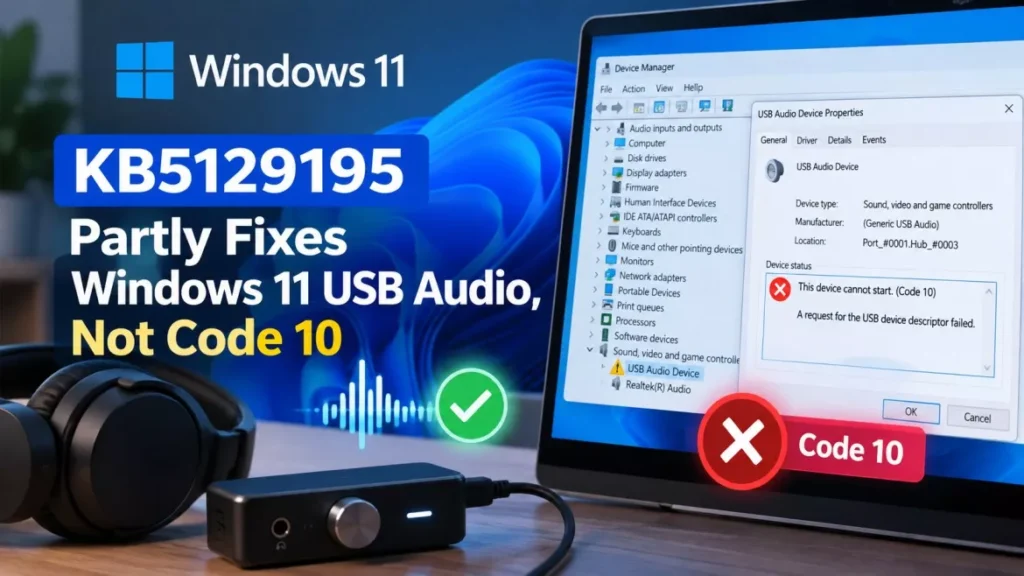

Microsoft has released an out-of-band update that partly repairs Windows 11 USB audio. KB5129195, published on 14 September 2026, restores 8-channel and 3D audio modes on USB Audio Class 1.0 devices broken by the 8 September security update KB5124008. Four other symptoms, including Code 10 errors, are still unfixed.
What KB5129195 Fixes, and What It Does Not
The out-of-band update closes exactly one of the five symptoms Microsoft has documented. Its release notes say it resolves the case where USB Audio Class 1.0 devices “functioning as expected in standard stereo configurations failed when using multichannel audio features, including 8-channel or 3D audio modes”, and add that “there are other audio symptoms not resolved in this OOB update”.
That wording matters. If your USB headset or DAC produces no sound at all, KB5129195 will not bring it back. If it works in stereo but drops out the moment you switch to surround or spatial audio, it should.
Microsoft moved the known-issue entry from open to “Mitigated” on 14 September 2026 at 10:57 Pacific Time, and says it is still working on the remaining symptoms. The same out-of-band package also clears the Remote Desktop Services instability that hit servers after the September patch, and a Hyper-V bug that stopped Windows hosts sharing folders with Linux virtual machines.
Symptoms That Point to This Bug
Microsoft lists five distinct symptoms, and only the last one is covered by the new update. According to Microsoft’s release-health entry, affected devices may show any of the following:
- Device Manager error: the device reports “This device cannot start (Code 10).”
- Silence: no audio output from the device at all.
- Dead volume controls: the volume slider is unresponsive or stays at zero.
- Frozen sound settings: the Sound page in Settings is unresponsive or unavailable.
- Multichannel failure: stereo works, but 8-channel or 3D audio modes fail. This is the symptom KB5129195 fixes.
USB Audio Class 1.0 is the older of the two USB audio standards, and Windows handles those devices with its own built-in class driver rather than a manufacturer driver. Devices that ship their own driver are not covered by this entry. Reinstalling the driver does not help, because the fault sits in the Windows update rather than the device.
Which Windows Versions Microsoft Lists as Affected
The affected list is far wider than Windows 11. Microsoft names eight client versions and six server versions.
| Family | Versions Microsoft lists as affected |
|---|---|
| Windows 11 | 26H1, 25H2, 24H2, 23H2 |
| Windows 10 | 22H2, 21H2, Enterprise LTSC 2019, Enterprise LTSC 2016 |
| Windows Server | 2025, 2022, 2019, 2016, 2012 R2, 2012 |
The originating update is listed as OS Build 26100.9445, shipped on 8 September 2026 as KB5124008. Microsoft opened the known-issue entry on 11 September 2026 at 18:36 Pacific Time, three days after the update went out.
How to Install the Out-of-Band Update
KB5129195 downloads and installs automatically through Windows Update, so most home PCs will pick it up without any action. To pull it immediately:
- Open Windows Update: go to Settings, then Windows Update.
- Check for updates: select Check for updates and let the scan finish.
- Install and restart: install the cumulative update offered and reboot when prompted.
- Confirm the build: press Windows key and R, type winver and press Enter.
According to Microsoft’s KB5129195 release notes, the update takes Windows 11 version 24H2 to OS Build 26100.9457 and version 25H2 to OS Build 26200.9457. It is also available as a standalone package from the Microsoft Update Catalog, and syncs to WSUS for managed fleets. A separate out-of-band update, KB5129194, covers Windows 11 version 26H1. BleepingComputer, which tracks Windows servicing releases, reports three further packages the same day: KB5129236 for Windows 10 versions 21H2 and 22H2, KB5129235 for Windows Server 2025, and KB5129237 for Windows Server 2022. Microsoft has not published a consolidated list of those numbers on the known-issue entry itself.
What to Do If Sound Is Still Missing
If the device is silent or throwing Code 10 after installing the out-of-band update, there is no official consumer fix yet. These are the steps that are actually supported:
- Switch to two-channel output: open Settings, then System, then Sound, select the device, and set the output format to a stereo option. Microsoft says some customers have restored audio this way.
- Try a device that is not USB Audio Class 1.0: Bluetooth headsets and devices with their own manufacturer driver fall outside the affected set.
- Contact Microsoft if you manage the machines: the entry directs IT administrators who need an immediate workaround for the unresolved symptoms to Microsoft Support for Business.
Microsoft has not recommended uninstalling KB5124008, and doing so would remove that month’s security protections along with the bug. The company has not said whether the remaining fix will arrive as another out-of-band release or wait for the October cumulative update.
Where the Fix Stands as of 15 September 2026
As of 15 September 2026, the known issue is marked Mitigated, not Resolved. The multichannel symptom is fixed on Windows 11 versions 24H2 and 25H2 through KB5129195 and on version 26H1 through KB5129194. The Code 10 error, silent output, dead volume controls and frozen sound settings remain open on every listed client and server version, with no date attached.
Microsoft’s only published commitment is that it will update the documentation when more information is available. Windows 11 version 24H2 Home and Pro also reaches end of updates on 13 October 2026, which gives users on that version a narrow window before they need to move to 25H2 to keep receiving fixes at all.
Frequently Asked Questions
Does KB5129195 Fix Windows 11 USB Audio Completely?
No. Microsoft says the out-of-band update released on 14 September 2026 resolves only the symptom affecting 8-channel and 3D audio modes. Code 10 errors, silent output, dead volume controls and unresponsive sound settings are still open.
Which Update Caused the Problem?
KB5124008, the Windows security update released on 8 September 2026, listed as OS Build 26100.9445. Microsoft opened the known-issue entry three days later, on 11 September 2026.
Does This Affect Windows 10 and Windows Server?
Yes. Microsoft’s affected-platform list covers Windows 10 versions 22H2 and 21H2, Windows 10 Enterprise LTSC 2019 and 2016, and Windows Server versions from 2012 through 2025, alongside four Windows 11 versions.
What Is a USB Audio Class 1.0 Device?
It is a device that follows the older USB audio specification and relies on the audio class driver built into Windows rather than a driver supplied by the manufacturer. Devices using the newer class, or their own vendor driver, are not on Microsoft’s affected list.
Should I Uninstall the September Update?
Microsoft has not advised uninstalling KB5124008, and removing it would also remove September’s security fixes. Its documented steps are to install the out-of-band update and, where audio is still missing, switch the device to two-channel output.