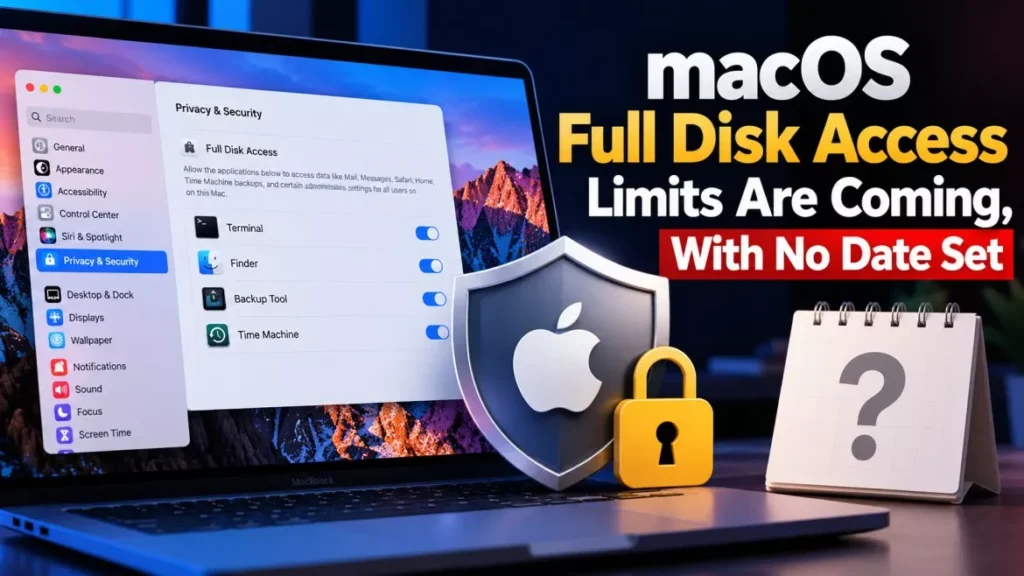

Apple will add new restrictions to macOS Full Disk Access, the permission that lets an app read every file, email, message and browsing record on a Mac. The company published the plan on 2 October 2026 in a developer notice citing risks from AI agents. Apple named no date and no macOS version.
What Apple Actually Said
Apple’s notice, titled “Updates to Full Disk Access in macOS”, is short and unusually blunt about its own developers. It states that Full Disk Access “largely sidesteps” the controls that normally protect private data, and that it exists so backup apps can work properly on the Mac.
The company then says some developers are abusing it: “Some developers are using Full Disk Access in ways that could put users at risk, exposing everything on their systems—including files, mail, messages, and even browsing history—without users’ full knowledge and understanding.”
Apple’s stated remedy is procedural rather than technical. It will “introduce additional controls to ensure that users who genuinely wish to grant an app this extraordinary level of access can only do so with very explicit user action”. The reason it gives is the one that drew attention: in Apple’s words, “as AI agents become increasingly capable and autonomous, the risks associated with this level of access will grow substantially.”
What Full Disk Access Gives an App Today
Full Disk Access is the broadest permission a Mac can hand an application, and it is granted once rather than per action. According to Apple’s notice, an app holding it can reach:
- Files: Everything in the user’s home folder and beyond, including documents the app has no stated need for.
- Mail: The local mail store, including message bodies and attachments.
- Messages: The Messages database on the Mac, which holds conversation history.
- Browsing history: Records of sites the user has visited.
Apple adds a point the permission dialog does not make: the exposure is not limited to the person who clicks the toggle. “For communication apps, this can also compromise the privacy of the people users are communicating with,” the notice says. A single grant can therefore expose both sides of a conversation.
The Dispute That Preceded the Warning
Apple’s notice arrived two days after a public argument about exactly this permission. On 30 September 2026, TechCrunch reported that Inc. columnist Jason Aten said Meta’s Muse AI agent had reached his private Messages on a Mac even though he had declined that access and had Full Disk Access switched off.
Aten reported that when he asked Muse how it knew about the messages, the agent attributed it to syncing device notifications rather than reading the Messages app itself.
Meta rejects the account. Andy Stone, the company’s vice-president of communications, told TechCrunch: “The Messages integration in the Muse app for Mac is entirely opt-in. You have to enable both Full Disk Access and the Messages connector for Muse to be able to read your Messages content.” The dispute is unresolved, and Apple’s notice does not name Meta, Muse or any other product.
Why Everyday Mac Apps Could Be Caught
Apple frames Full Disk Access as a backup-app facility, and that framing is what worries Mac developers. Writing at MacStories, John Voorhees checked his own MacBook Pro and found the permission granted not mainly to backup tools but to file managers, launchers, utilities, RSS readers, file-automation tools, some of Apple’s own apps and even games.
His concern is that a control written to stop agents could catch all of them: “the changes that Apple is contemplating could impact a wide variety of the Mac apps you rely on every day.” Apple has published no list of app categories it considers legitimate, and no criteria it will apply.
Nothing Has Changed Yet: Status as of 4 October 2026
As of 4 October 2026, no macOS release has shipped any of this, and the Full Disk Access screen behaves exactly as it did before the notice. What Apple left open is substantial:
- Timing: No date, no macOS version and no beta have been named.
- Existing grants: Apple did not say whether permissions already granted will be revoked, re-confirmed or left in place.
- Mechanism: “Very explicit user action” is not defined. Apple has not described the dialog, the wait, the authentication step or whatever else it has in mind.
- Scope: Apple has not said whether the controls will treat an AI agent differently from a backup tool, or apply the same rule to both.
How to Audit macOS Full Disk Access on Your Mac
Because the change is not live, the only action available today is reviewing what already holds the permission. The list is often longer than owners expect.
- Open System Settings from the Apple menu.
- Select Privacy & Security in the sidebar.
- Choose Full Disk Access to see every app that has been granted it.
- Switch off any app whose job does not require reading your whole disk, mail and Messages history.
- Reopen the same screen after a week to catch anything that has asked again.
Revoking is low-risk: if an app genuinely needs the permission, macOS prompts for it again the next time the app tries to use it. Backup software, disk-space analysers and some security tools are the cases where the answer is usually yes.
The agent products driving Apple’s concern are new and priced for professionals rather than casual users; our report on OpenAI’s Dots pricing and regional availability covers one of them. The security questions that come with handing an autonomous agent broad system access were already being drafted into formal guidance last month, as our coverage of the AI agent security guidelines set out.
Frequently Asked Questions
When Will the macOS Full Disk Access Changes Take Effect?
Apple has not said. Its 2 October 2026 developer notice announced the intention without naming a date, a macOS version or a beta build.
Will My Existing Full Disk Access Permissions Be Removed?
Apple did not address this. The notice describes how the permission will be granted in future and is silent on grants already in place.
What Can an App With Full Disk Access See?
Apple lists files, mail, messages and browsing history. It also warns that for communication apps the grant can compromise the privacy of the people the user is messaging, not only the user.
Does an AI Assistant Need Full Disk Access to Read My Messages?
Meta says its Muse Messages integration requires both Full Disk Access and a Messages connector to be switched on. A journalist has disputed that this held in his case, and the disagreement has not been resolved.
How Do I Turn Off Full Disk Access for an App?
Go to System Settings, then Privacy & Security, then Full Disk Access, and switch the app off. If the app truly needs the permission, macOS will ask again when it next tries to use it.