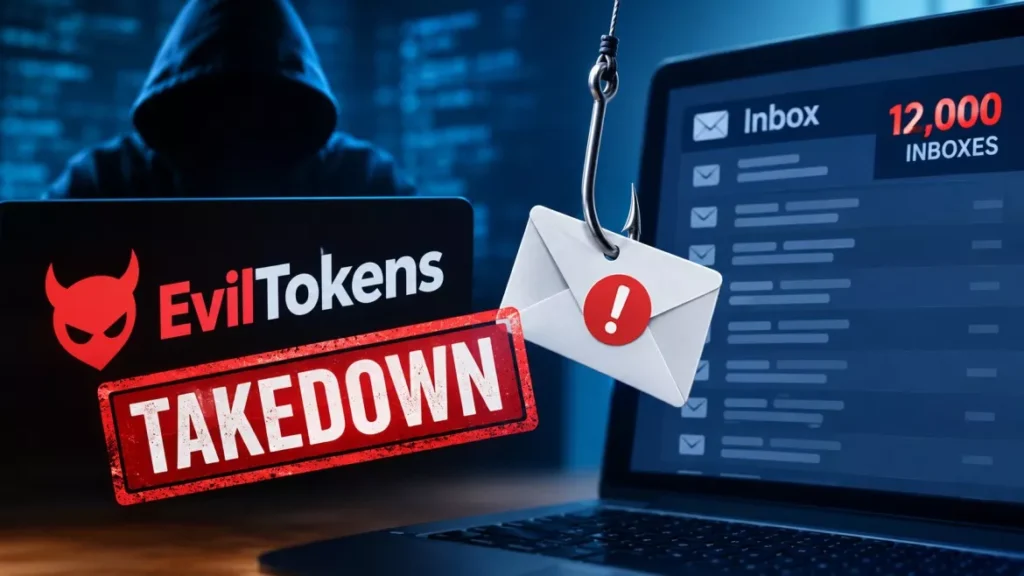

EvilTokens phishing, an AI-driven service that hijacked Microsoft 365 accounts without stealing a single password, has been shut down. Microsoft seized 50 websites and disabled more than 150 domains under a Virginia court order, and London police arrested two men. More than 12,000 inboxes at over 10,000 organisations were already compromised.
How EvilTokens Broke Into Accounts Without a Password
EvilTokens abused a legitimate Microsoft sign-in feature called device code flow, which exists so that devices without keyboards, such as smart TVs and conference-room displays, can be signed in from a phone or laptop.
The attack worked like this. The criminal generated a real device code, emailed it to the target with a plausible reason to enter it, and waited. The target went to Microsoft’s genuine sign-in page at microsoft.com/devicelogin, typed the code, and completed their own multi-factor authentication. Microsoft then issued access tokens — but to the attacker’s session, not the victim’s.
That is why multi-factor authentication did not help. The victim passed the MFA challenge themselves, on the real Microsoft page, with no fake login screen to spot. No password ever changed hands.
Sitting on top of that was the part Microsoft describes as new: an AI chatbot. Once inside a mailbox, it read the contents in more than 20 languages, mapped who approved payments and who the account holder trusted, and drafted impersonation messages aimed at diverting invoices. Microsoft’s blog says the platform “could even recommend fraud strategies”.
Who Was Affected
Microsoft puts the scale at more than 12,000 compromised inboxes across more than 10,000 organisations worldwide, from a service that only launched in February 2026.
| Measure | Figure |
|---|---|
| Inboxes compromised | More than 12,000 |
| Organisations affected | More than 10,000 |
| Service launched | February 2026 |
| Websites seized | 50 |
| Additional domains disabled | More than 150 |
| Price to criminals | $1,500 up front, $500 a month |
The heaviest concentrations of victims were in the United States, Canada, the United Kingdom, Australia, India and France. The sectors hit hardest were wholesale distribution, construction, financial services, real estate, higher education and healthcare — industries that move large invoices by email, which is precisely what the chatbot was built to find.
The security firm SpyCloud, one of Microsoft’s partners in the operation, recovered 8,708 unique victim accounts across 6,585 corporate email domains in 79 countries, according to figures reported by The Hacker News. Those numbers have not been published by Microsoft itself.
What the Takedown Removed, and What It Did Not
The seizure took away the criminals’ tools, not their existing access. This is the part most coverage of the takedown skips, and it is the difference between a closed case and an open one for an affected organisation.
What is gone: the 50 websites, the 150-plus supporting domains, and the subscription service any buyer would use to run a fresh campaign. What is not addressed by a domain seizure: the authentication tokens already issued during the past seven months.
Those tokens matter because of how they expire. A refresh token stays valid until it times out or is explicitly revoked, and standard incident-response guidance is blunt on the point — resetting the user’s password does not invalidate it. An administrator has to revoke the session directly. Anything the attacker set up inside the mailbox, such as a forwarding rule or an extra registered MFA device, also survives a password change.
Microsoft says it has been notifying victims. It has not published a list of affected organisations, and it has not said how many of the 12,000 accounts have been remediated.
What to Do if Your Organisation Uses Microsoft 365
If you administer a Microsoft 365 tenant, the useful response is to assume nothing about your exposure and check. The order below reflects standard incident-response practice for token theft.
- Check the sign-in logs: In Microsoft Entra, filter sign-ins by authentication protocol and look for device code events. If your organisation has no headless devices, every hit deserves investigation.
- Revoke sessions, not just passwords: For any suspect account, revoke the refresh tokens explicitly through the Entra portal or the Revoke-MgUserSignInSession command, then reset the password.
- Audit what the attacker left behind: Review inbox forwarding rules, recently sent mail, new OAuth app consents and any newly registered MFA devices on the account.
- Block the flow outright: Create a Conditional Access policy under Conditions, Authentication Flows, selecting device code flow, applied to all users and all resources, with your break-glass accounts excluded.
- Tell staff the one rule that stops it: Never type a device code you did not generate yourself on a device in front of you. Microsoft does not email codes for users to enter.
Microsoft’s own documentation already recommended step four before any of this happened. It describes device code flow as “a high-risk authentication method that can be part of a phishing attack or used to access corporate resources on unmanaged devices”, and states plainly: “Microsoft recommends blocking device code flow wherever possible.” One caveat worth knowing: if your organisation uses device code flow to register devices, exempt the Device Registration Service from the policy first, or you will lock yourself out of enrolment.
The Arrests and the Court Order
Microsoft’s Digital Crimes Unit obtained its authorisation from the United States District Court for the Eastern District of Virginia. Steven Masada, the unit’s associate general counsel and general manager, wrote that EvilTokens was “a powerful cybercrime platform that used AI at every step of the attack chain”. CyberScoop reports this was the unit’s 40th court-authorised disruption and its first against an end-to-end AI-enabled cybercrime service.
The Metropolitan Police Service’s cybercrime team arrested two men, aged 32 and 38, on suspicion of offences connected with running EvilTokens. Both were released on police bail while the investigation continues, and neither has been charged. Microsoft’s blog gives the arrest date as 11 September 2026; The Register reported it as 18 September. Nine partner organisations took part, including Cloudflare, Coinbase, OpenAI, Railway, SpyCloud, TRM Labs, The Shadowserver Foundation and Health-ISAC.
As of 24 September 2026, the infrastructure remains seized, the two arrested men are on bail without charge, and Microsoft has given no figure for funds recovered or accounts restored. CyberScoop reports that 13 complaints to the FBI’s Internet Crime Complaint Center have been correlated to EvilTokens activity, representing about $1.7 million in reported losses; Microsoft has not confirmed that total.
Frequently Asked Questions
What Is EvilTokens Phishing?
EvilTokens was a subscription cybercrime service, launched in February 2026, that hijacked Microsoft 365 mailboxes by abusing Microsoft’s device code sign-in feature. It sold for $1,500 plus $500 a month and included an AI chatbot that read stolen inboxes to plan invoice fraud.
How Did EvilTokens Get Past Multi-Factor Authentication?
It never had to defeat MFA. The victim completed their own MFA challenge on Microsoft’s real sign-in page after entering a code supplied by the attacker, and Microsoft issued the resulting tokens to the attacker’s session.
Was My Email Account One of the 12,000?
Microsoft has not published a list of affected organisations and says it has been notifying victims directly. If you administer a tenant, check Entra sign-in logs for device code flow events rather than waiting for a notification.
Does Changing My Password Fix It?
Not on its own. Refresh tokens issued to an attacker remain valid until they expire or are explicitly revoked, so an administrator must revoke the sessions as well as reset the password.
Should Companies Disable Device Code Flow Entirely?
Microsoft’s documentation recommends blocking device code flow wherever possible and allowing it only where genuinely needed, such as shared screens or headless devices. Organisations that use it for device registration should exempt that service from the policy.