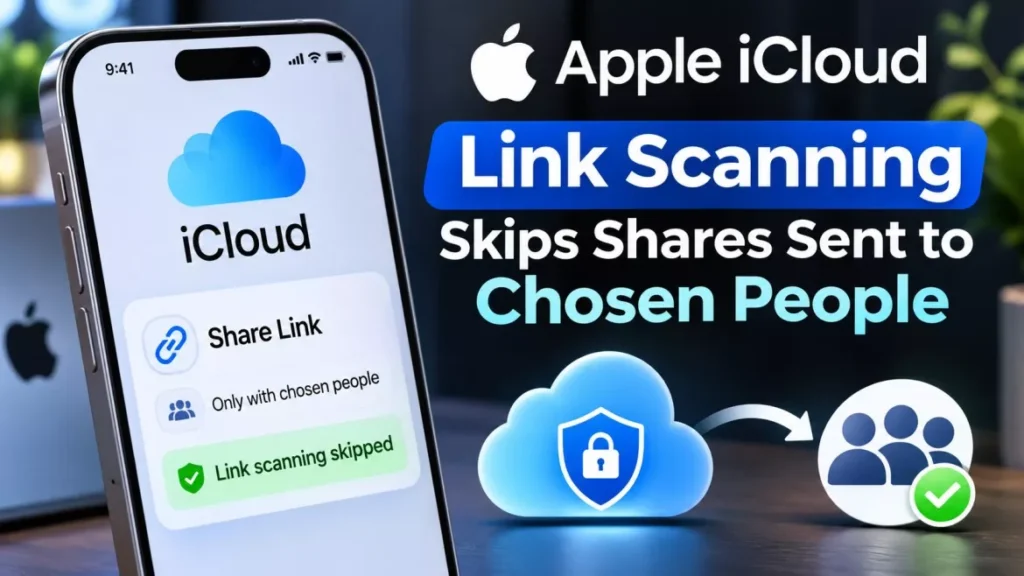

Apple iCloud link scanning begins with the 27.3 software updates, due in December 2026. The checks cover only items shared using the “Anyone with the Link” option, not shares limited to people you choose. Apple set out the policy in a support document on 3 November 2026 and has not defined harmful content.
What Apple’s Support Document Actually Says
The policy sits in a single support page, not a press release, which is part of why its limits have been read loosely.
Apple, the Cupertino company behind the iPhone and iCloud, published the document, titled “Learn more about sharing content that can be accessed by Anyone with the Link”, on 3 November 2026. It states that an item shared this way is made accessible to Apple to check for harmful content, and that the behaviour applies starting in “version 27.3 or later of iOS, iPadOS, macOS, and visionOS”.
That is the whole of the announcement. Apple did not hold a briefing, did not publish guidelines, and according to The Register did not answer questions put to it about the change.
Which iCloud Shares Are Checked and Which Are Not
Only one sharing choice is in scope: the public link. Apple’s own document draws the line between two options that appear when you share a photo, album or file.
| Sharing option | Who can open it | Checked by Apple |
|---|---|---|
| Anyone with the Link | Anyone holding the link, including Apple | Yes, from version 27.3 |
| People you choose | Only people you invite or approve | Not described as checked |
This distinction is the practical heart of the change. A family album sent to named relatives through “People you choose” is outside what Apple has described; the same album published as an open link is inside it.
MacRumors additionally reported that files sent using “Send a Copy” are not covered. Apple’s document does not address that option either way, so treat it as a single outlet’s reading rather than a confirmed exemption.
Public Links Lose End-to-End Encryption
The detail most likely to surprise people is not the checking itself but what it rests on. Apple says an item shared by public link is no longer end-to-end encrypted.
End-to-end encryption means only the devices at each end of a transfer can read the content, with the provider unable to. Advanced Data Protection is Apple’s optional setting that extends that protection to iCloud Backup, Photos and Notes. Apple’s document says a public-link item is not end-to-end encrypted even if its owner or other participants have Advanced Data Protection turned on.
In other words, turning Advanced Data Protection on does not keep a public link private. The moment the link is created, that item leaves the protected set, which is what makes a check on Apple’s side possible at all. This is a different mechanism from the on-device photo scanning Apple proposed in 2021 and later abandoned.
What Apple Can Do to Your Account
The document also sets out consequences, and they reach further than the file itself. Apple reserves the right to act on both content and account.
- The content: Apple may move, refuse, modify, remove or delete it at any time.
- The account: Apple may take action against your Apple Account, including blocking or disabling it.
- New accounts: Apple may block the same email address or phone number from being used to create another Apple Account.
- Law enforcement: Apple may involve law enforcement if it considers that necessary.
Apple has not published an appeals process, a notification commitment, or any threshold at which account-level action follows content-level action. Readers who have seen how broadly platform permissions can reach may recognise the pattern from what Meta’s Muse agent can access and how to revoke it.
How to Review the Links You Have Already Shared
There is no switch that turns this off, because it is a property of public links rather than a setting. The only control you have is which kind of link you use.
- Find what you have shared openly: Work through the photos, albums and iCloud Drive files you have sent links for, particularly anything containing documents, identification or private images.
- Check each link’s audience: Apple’s sharing panel shows whether an item is set to “Anyone with the Link” or “People you choose”.
- Switch anything sensitive: Change it to “People you choose”, which limits access to people you invite or approve.
- Or stop sharing the link: Revoking the link removes the public access that brings the item into scope.
- Share deliberately from now on: From version 27.3, treat “Anyone with the Link” as genuinely public.
Apple’s document does not describe a bulk tool for auditing links you created in the past, so this is manual work.
What Apple Has Not Explained
Several questions central to judging this change are still open, and Apple’s silence on them is itself part of the story.
Apple has not defined “harmful content”. It has not said whether checks are run by automated systems, by human reviewers, or by a mix of the two. It has not said whether links created before the 27.3 updates will be checked retroactively, or what prompted the change now. Coverage from The Register and MacRumors suggests the category could cover child sexual abuse material and malware, but that is those outlets’ inference, not Apple’s wording.
As of 6 November 2026, the 27.3 updates are in testing: Apple released the first developer beta on 3 November and the first public beta on 5 November. Apple has said the public release comes in December but has not given a date, which is the same pattern it followed with the iOS 27.2 release.
Frequently Asked Questions
Is Apple Scanning Everything in My Photo Library?
No. Apple’s document describes checks only on items shared with “Anyone with the Link”. It does not describe checking your private library or shares limited to people you choose.
When Does Apple iCloud Link Scanning Start?
With version 27.3 of iOS, iPadOS, macOS and visionOS. Apple has said those updates arrive in December 2026 without naming a day; they were in developer and public beta as of 5 November 2026.
Does Advanced Data Protection Stop the Check?
No. Apple states that an item shared by public link is not end-to-end encrypted even if the owner or other participants have Advanced Data Protection enabled.
Can Apple Disable My Apple Account Over a Shared File?
Apple reserves that right. Its document says it may block or disable the account, prevent the same email address or phone number from creating a new one, and involve law enforcement if necessary.
Will Links I Created Before iOS 27.3 Be Checked?
Apple has not said. The support document is silent on whether existing public links are checked retroactively, so the safe assumption is that any live public link is in scope.