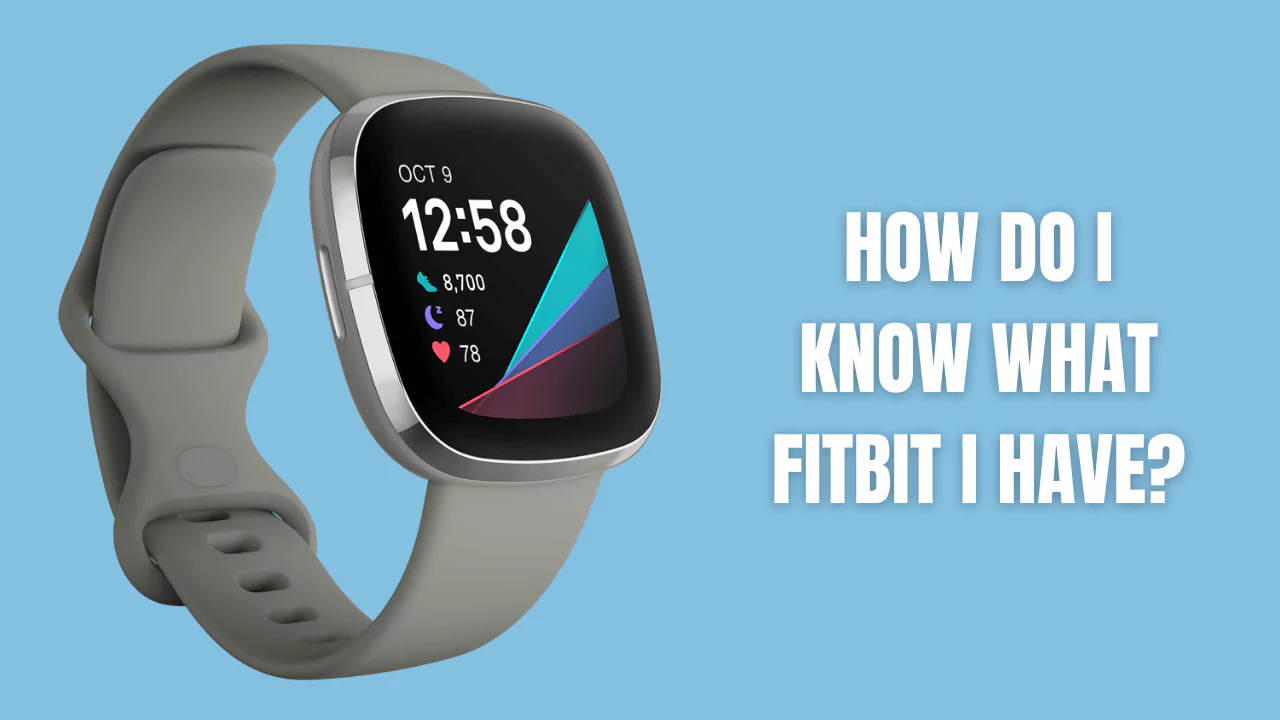

If you own a Fitbit device, you might wonder what model you have and how to identify it. Knowing your Fitbit model can help you troubleshoot issues, update the firmware, buy compatible accessories, and more.
In this article, we will show you different ways to determine the Fitbit model you have and how to identify specific Fitbit models.
Different Ways to Determine the Fitbit Model You Have
There are several methods you can use to find out what Fitbit device you have. Here are some of the most common ones:
1. Use the Fitbit App
The easiest way to determine your Fitbit model is to use the Fitbit app on your smartphone or tablet. To do this, open the app and tap on the Today tab at the bottom. Then, tap on your profile picture at the top left corner. You should see your device name and image under Devices. You can also tap on the device to see more details, such as battery level, firmware version, and sync status.
2. Check the Device Settings
Another way to find out your Fitbit model is to check the device settings. To do this, press and hold the button on your device (if it has one) or swipe left from the clock face (if it has a touchscreen) until you see a gear icon. Tap on it and scroll down until you see About. Tap on it and you should see your device name, serial number, firmware version, and other information.
3. Look at the box or purchase history
If you still have the original box or receipt of your Fitbit device, you can look at them to see what model you have. The box should have a label with the device name and image on it. The receipt should also have the device name and price on it. Alternatively, you can check your online purchase history if you bought your Fitbit device from an online retailer or the Fitbit website.
4. Use Google Fast Pair (only for Android)
If you have an Android phone that supports Google Fast Pair, you can use it to identify your Fitbit model. To do this, make sure your phone has Bluetooth enabled and is near your Fitbit device. Then, open the Settings app on your phone and tap on Connected devices. You should see a list of devices that are paired with your phone or nearby. Look for your Fitbit device and tap on it. You should see a pop-up window with the device name and image on it.
5. Check the backside of the Fitbit
The last resort to determine your Fitbit model is to check the backside of the device. Some Fitbit models have their names engraved on the backside, such as Inspire, Charge, Versa, Ionic, Luxe, and Sense. Others have a four-digit code that you can use to identify them using this [Fitbit help page].
How to Identify Specific Fitbit Models?
If you want to know more about how to identify specific Fitbit models, here are some tips for each of them:
1. Fitbit Inspire HR, Inspire 2, Inspire 3
These models are slim wristbands with a touchscreen display and a button on the left side. They have a heart rate sensor on the backside and come in various colors. The Inspire HR has a small gap between the band and the tracker body, while the Inspire 2 and 3 have a seamless design. The Inspire 3 also has a microphone hole on the right side.
2. Fitbit Charge 2, Charge 3, Charge 4, Charge 5
These models are larger wristbands with a touchscreen display and a button on the left side. They have a heart rate sensor and a SpO2 sensor on the backside and come in various colors. The Charge 2 has a metal frame around the display, while the Charge 3, 4, and 5 have a more streamlined design. The Charge 4 and 5 also have a built-in GPS chip and an NFC chip for contactless payments. The Charge 5 also has an ECG sensor and an EDA sensor on the sides.
3. Fitbit Alta, Alta HR
These models are slim wristbands with an OLED display that shows vertical text and icons. They have no buttons or touchscreen functionality and come in various colors. The Alta HR has a heart rate sensor on the backside, while the Alta does not.
4. Fitbit Flex, Flex 2
These models are small trackers that fit into removable bands or accessories. They have no display or buttons and only show LED lights to indicate progress and notifications. They come in various colors and shapes. The Flex 2 is water-resistant up to 50 meters and can track swimming activities.
5. Fitbit Ace, Ace 2, Ace 3
These models are designed for kids and have a similar design to the Inspire and Flex models. They have a touchscreen display or LED lights and come in kid-friendly colors and patterns. The Ace 2 and 3 are water-resistant up to 50 meters and have a protective bumper around the tracker. The Ace 3 also has a microphone hole on the right side.
6. Fitbit Versa, Versa Lite, Versa 2, Versa 3, Versa 4
These models are smartwatches with a square-shaped touchscreen display and various buttons on the sides. They have a heart rate sensor, a SpO2 sensor, and a microphone on the backside and come in various colors and styles. The Versa Lite has only one button on the left side, while the other models have two or three buttons. The Versa 2, 3, and 4 also have a built-in speaker and an Alexa voice assistant. The Versa 3 and 4 also have a built-in GPS chip and an NFC chip for contactless payments. The Versa 4 also has an ECG sensor and an EDA sensor on the sides.
7. Fitbit Ionic
This model is a smartwatch with a rectangular-shaped touchscreen display and three buttons on the sides. It has a heart rate sensor, a SpO2 sensor, a built-in GPS chip, and an NFC chip for contactless payments on the backside. It comes in various colors and styles.
8. Fitbit Luxe
This model is a slim wristband with a color AMOLED display and no buttons. It has a heart rate sensor and a SpO2 sensor on the backside and comes in various colors and styles. It also has an NFC chip for contactless payments.
9. Fitbit Sense, Sense 2
These models are smartwatches with a round-shaped touchscreen display and one button on the left side. They have a heart rate sensor, a SpO2 sensor, an ECG sensor, an EDA sensor, a skin temperature sensor, and a microphone on the backside. They also have a built-in speaker, an Alexa voice assistant, a Google Assistant, a built-in GPS chip, and an NFC chip for contactless payments. They come in various colors and styles.
Frequently Asked Questions about Determining Fitbit Models
Here are some of the most frequently asked questions about determining Fitbit models: